Save it once.
Actually find it later.
Save anything you find worth remembering. KnoBox reads it, summarizes it, and tags it automatically — so your saves are actually useful later.
Free plan includes 25 AI-summarized saves a month, 30 chat questions a month, and 3 Deep Dive syntheses a month.
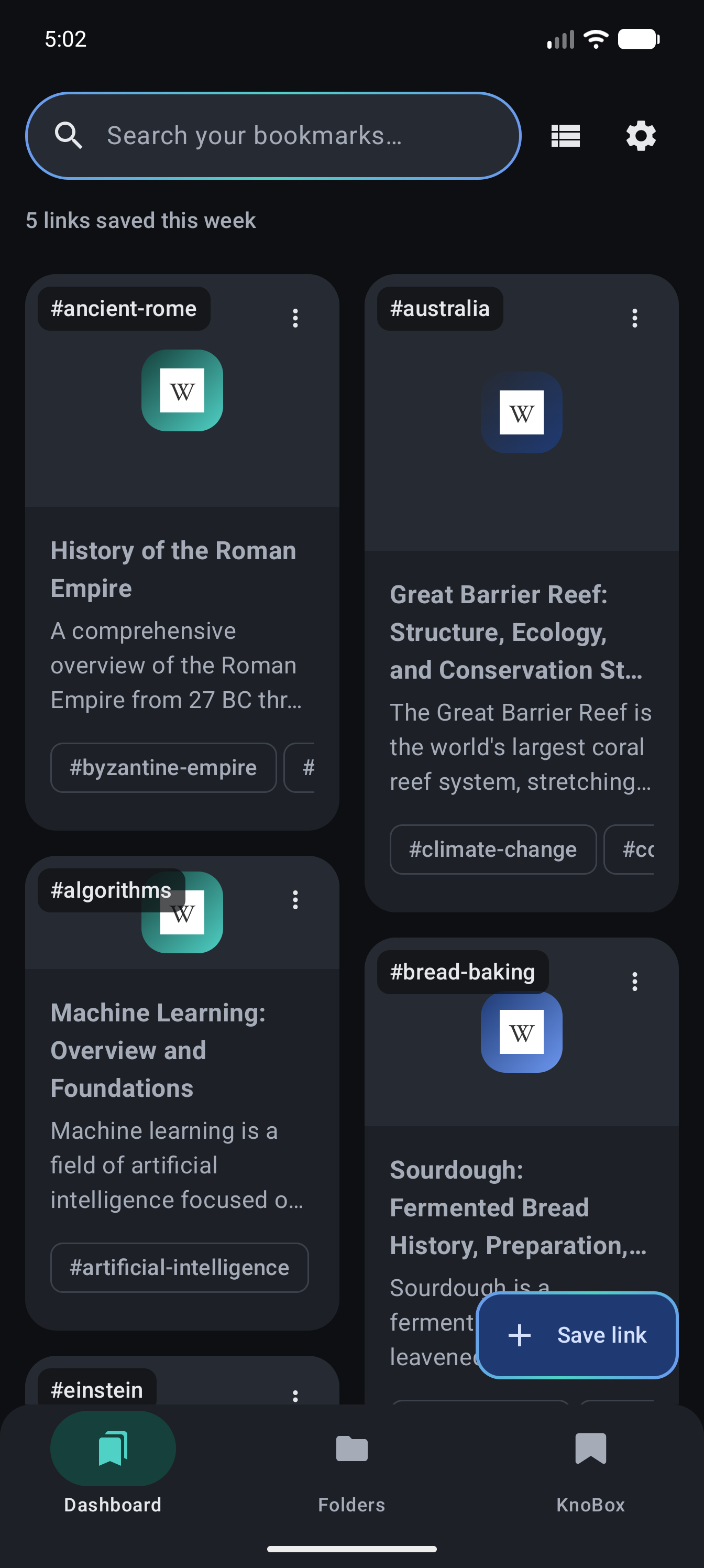
Three taps from tab to library
Watch a link go from a web page to an answer you can ask for later.
The app itself
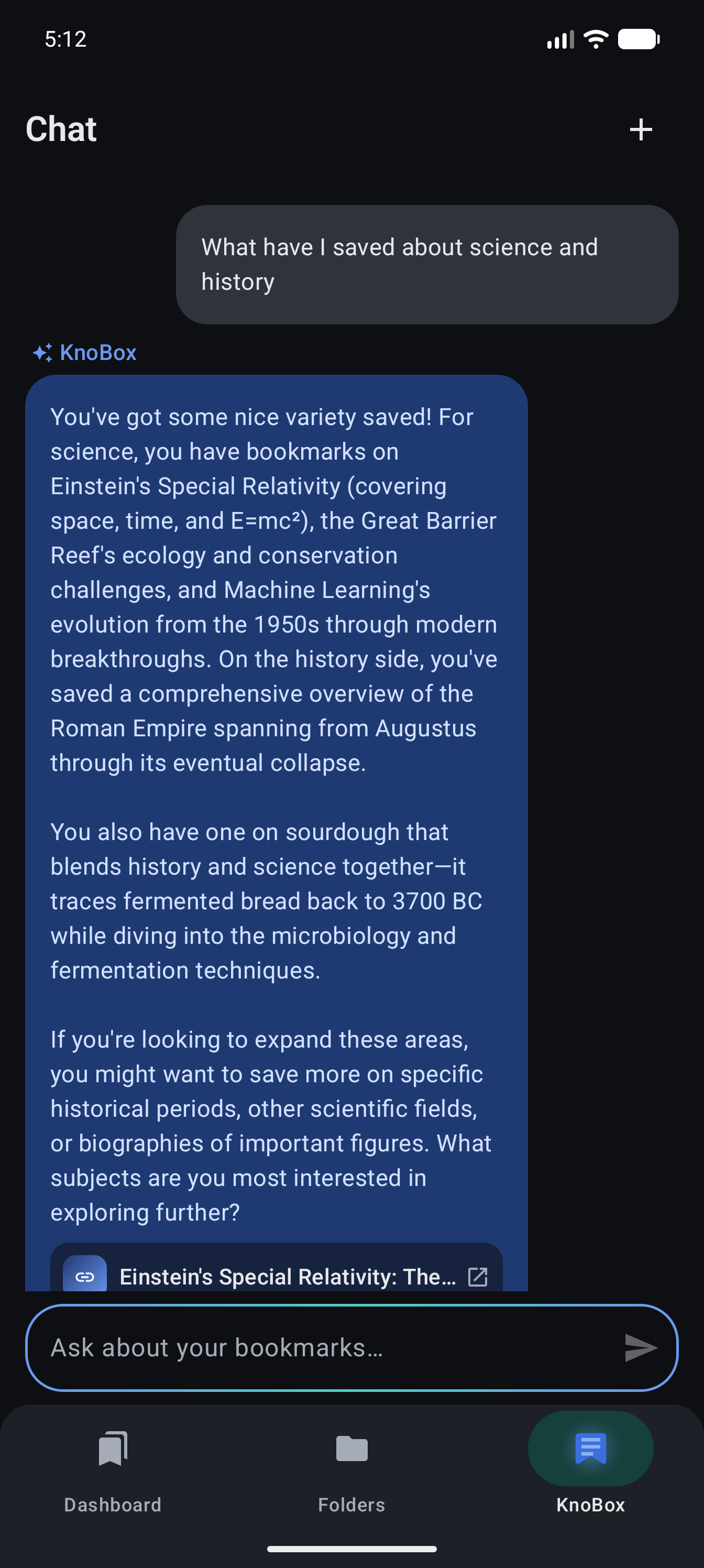
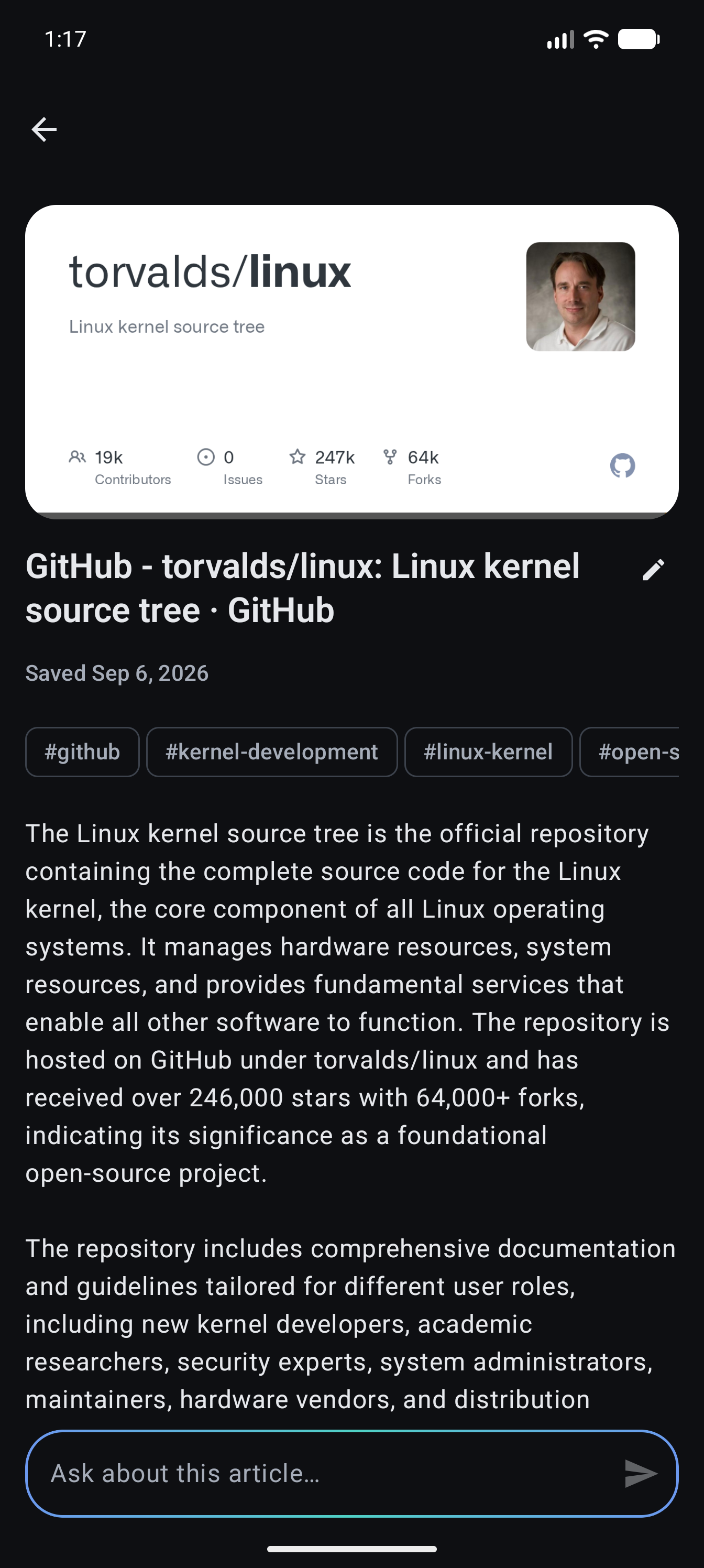
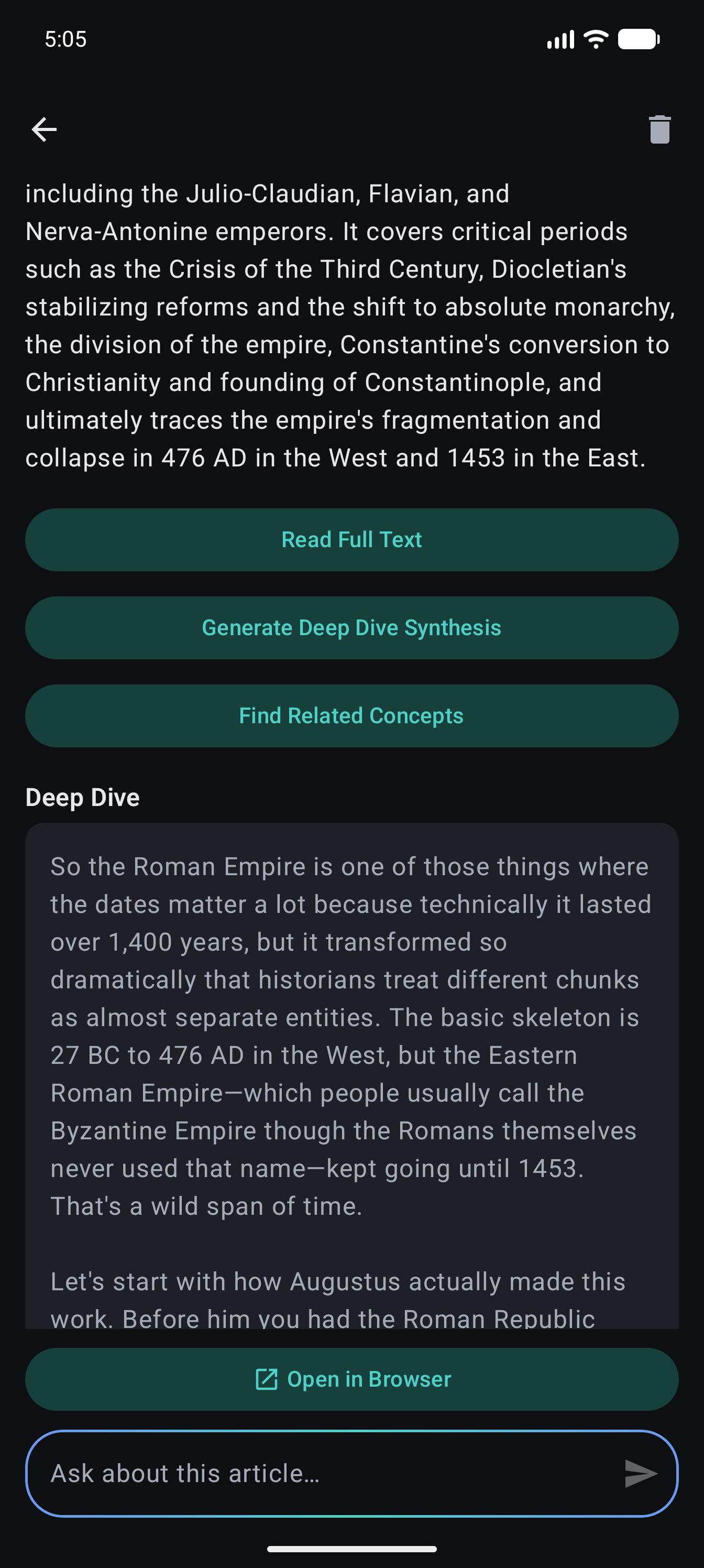
Chat with what you've saved
KnoBox answers questions across your whole library and hands you tappable links straight back to the source, right from the conversation.
Your library, backed up
Saves live on your device from the moment you share them. Sign in with just an email — no password — to back the library up and pick it up on another device. Until you do, they exist only on that one install.
Deep Dive and related concepts
Generate a synthesis across a save's neighbours, or open the concept graph to see how a bookmark connects to everything else in your library.
Saved the same link twice?
Saving from the share sheet and the extension both is easy to do by accident. Run a duplicate check anytime and clear the extra copies — keep the newest, delete the rest, in one tap.
 CHROME & EDGE EXTENSION
Save from your laptop, read it on your phone
The KnoBox browser extension talks to the same backend as the Android app. Sign in on both with KnoBox Pro and everything you save in the browser is waiting in your library on your phone — no file transfers, no extra steps.
Free on every plan on this device alone — cross-device sync between the extension and the app is a KnoBox Pro feature, purchased in the Android app.
Versus a folder full of bookmarks
Free to start
Start free, no card needed. Upgrade to KnoBox Pro anytime for unlimited everything — billed through Google Play, cancel anytime.
Questions, answered
Where are my saves stored?
On your device first: a full copy of your bookmarks, summaries, tags, and chat history lives in the app's own database, so everything works offline. Your saves are also stored on KnoBox's cloud backend, so they can be regenerated if you reinstall.
What gets sent to the AI?
When you save a link, its URL and the page's text go to KnoBox's backend. That text, along with your search and chat questions, is sent to Anthropic's Claude to write summaries, tags, and answers, and to Voyage AI to power semantic search. Your email address is never sent to either. KnoBox is not fully local; the privacy policy spells out exactly what's shared.
Do I need an account?
No. Every install is scoped by a random device identifier, so you can use KnoBox without ever signing in. If you'd like an account, sign in with your email: you get a one-time 6-digit code, never a password. Syncing your library across devices is part of KnoBox Pro.
Does the browser extension cost extra?
No. The extension is free on every plan and works on its own on that device. Syncing it with the Android app is a KnoBox Pro feature, purchased in the app.
How do I delete my data?
Delete any bookmark in the app and it's removed from the server too. If you're signed in, Settings lets you permanently delete your account and everything it owns (bookmarks, summaries, tags, and chat history) immediately. You can also follow the account deletion steps.
How do I cancel KnoBox Pro?
Pro is billed through Google Play, so you manage it there: open the Play Store, go to Payments & subscriptions, then Subscriptions, and cancel anytime.
Stop bookmarking into the void
KnoBox is free to start and takes one share to try.
Coming soon to Google Play